728x90
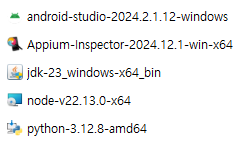
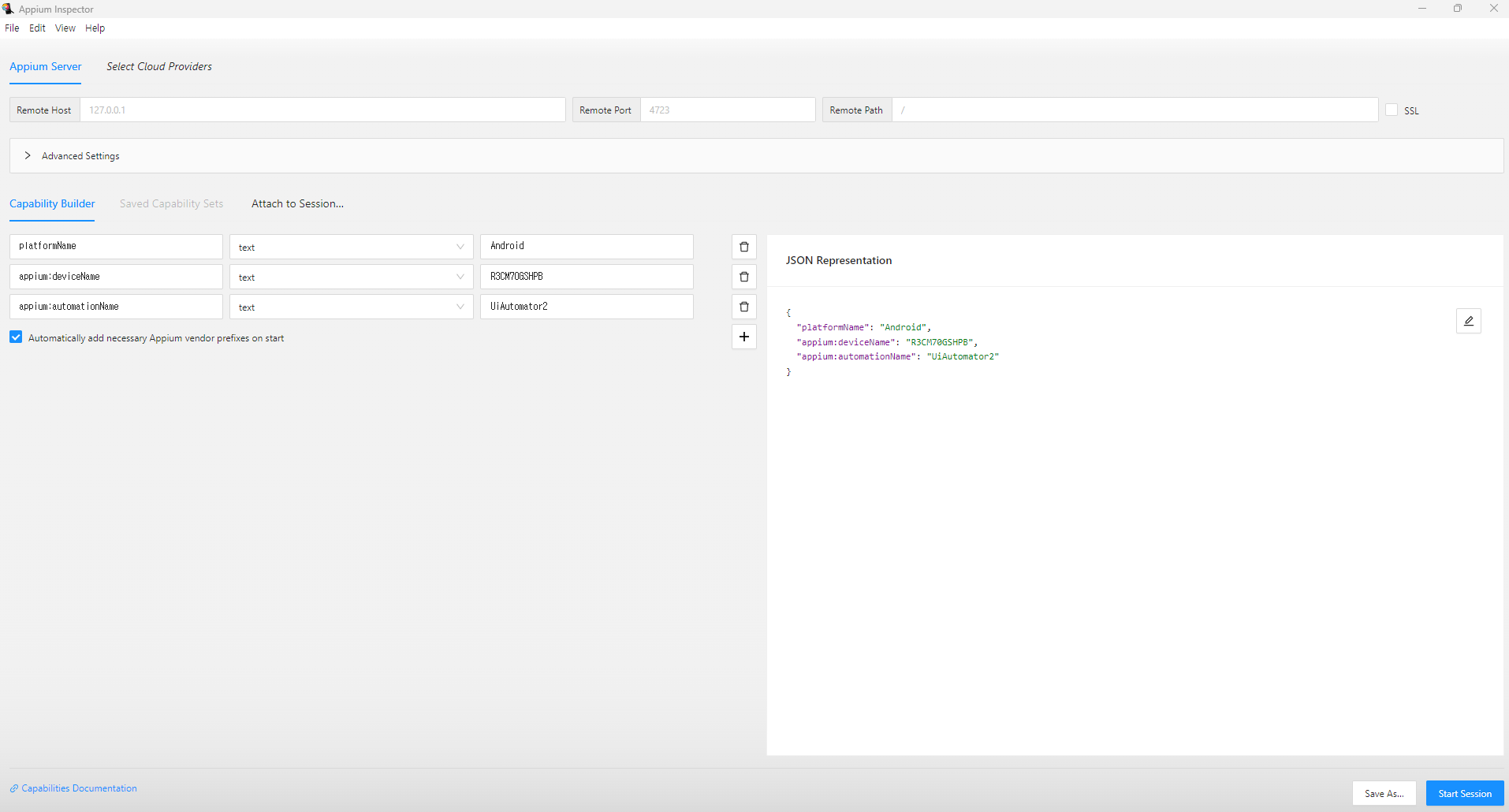

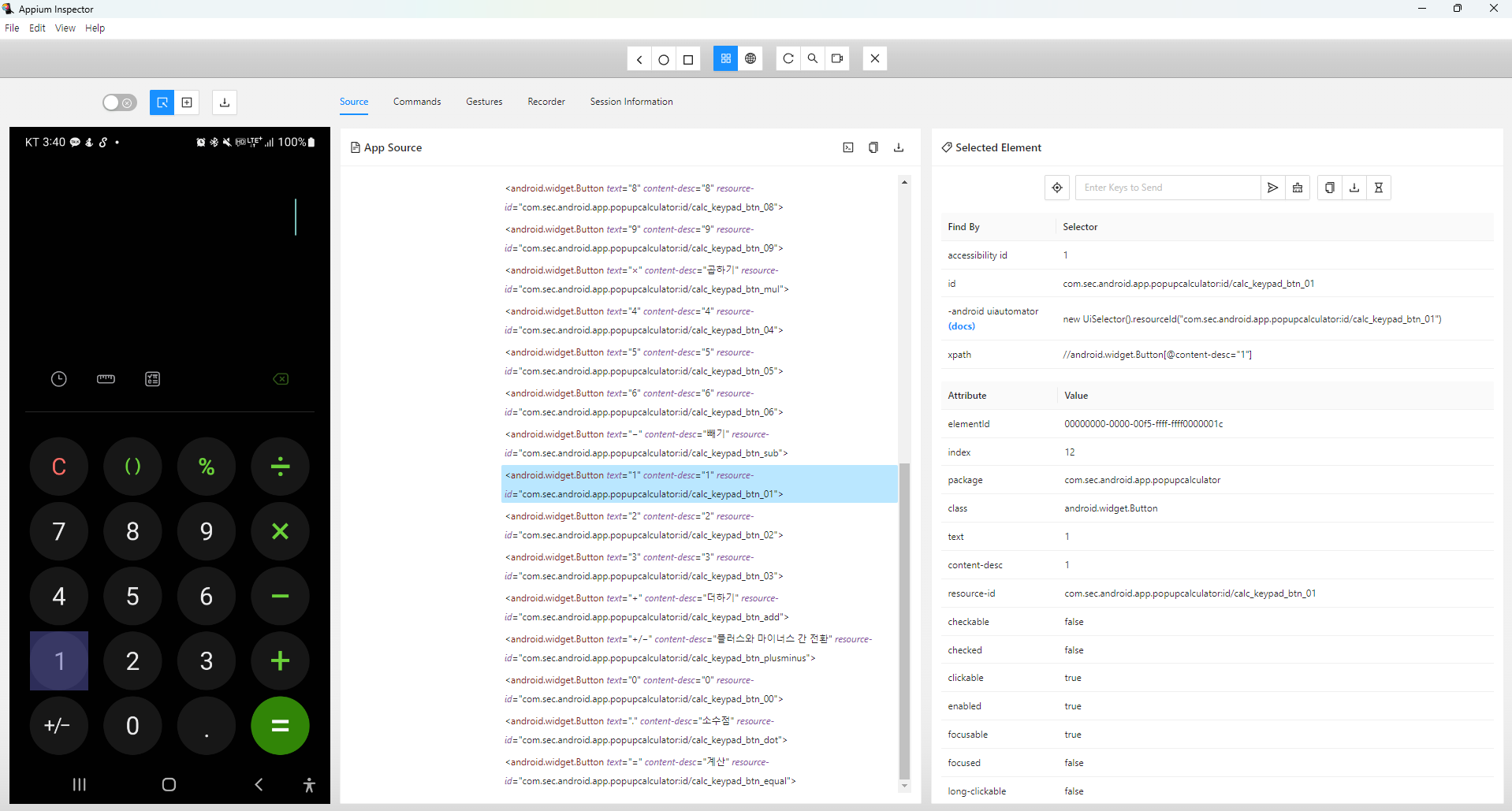
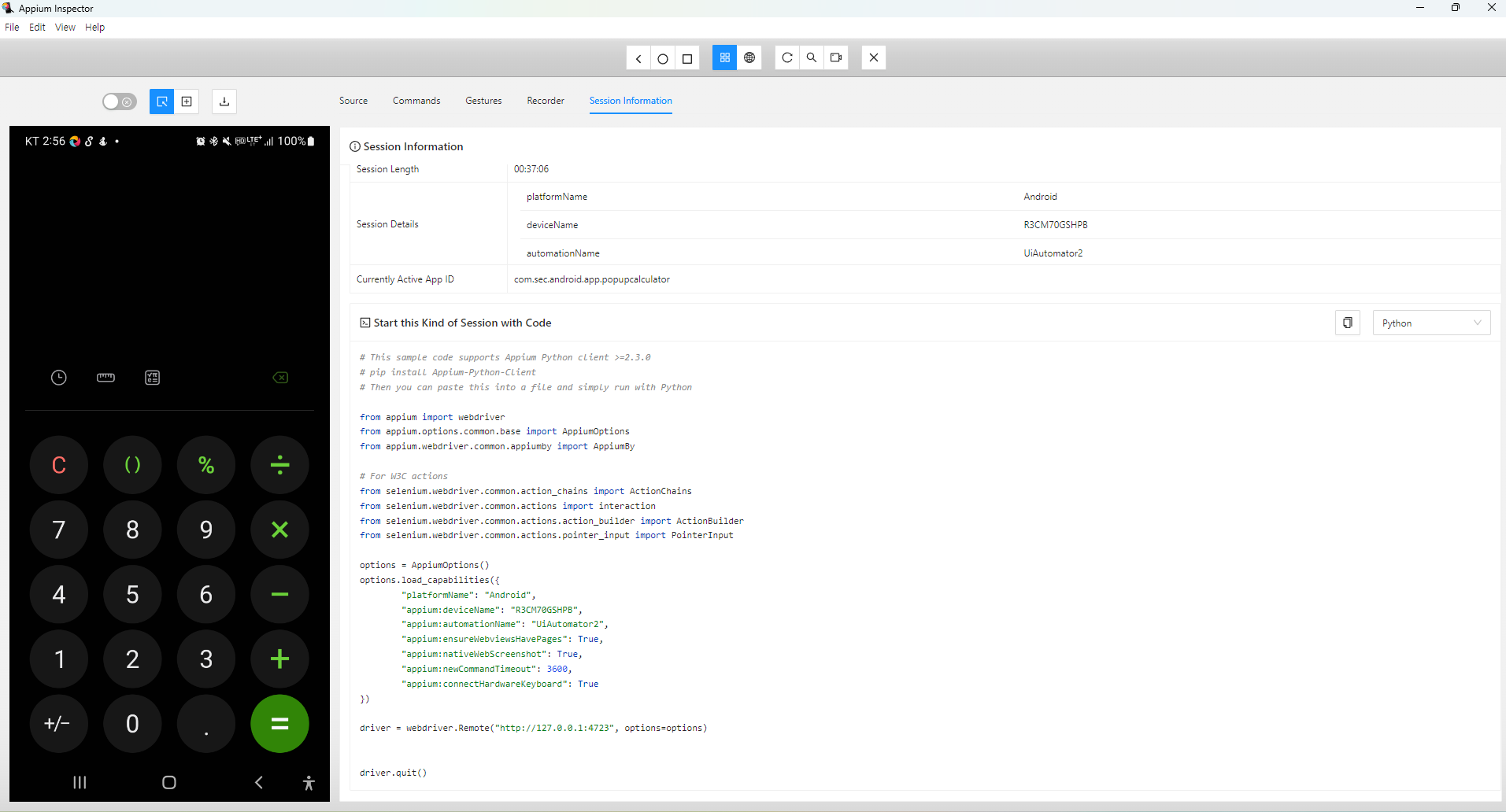
import re
from appium import webdriver
from appium.options.common.base import AppiumOptions
from appium.webdriver.common.appiumby import AppiumBy
import xml.etree.ElementTree as ET
from time import sleep
options = AppiumOptions()
options.load_capabilities({
"platformName": "Android",
"appium:deviceName": "R3CM70GSHPB",
"appium:automationName": "UiAutomator2",
"appium:ensureWebviewsHavePages": True,
"appium:nativeWebScreenshot": True,
"appium:newCommandTimeout": 3600,
"appium:connectHardwareKeyboard": True
})
def generate_test_result_xml(test_name, result, expected, actual):
root = ET.Element("TestResults")
test_case = ET.SubElement(root, "TestCase", name=test_name)
ET.SubElement(test_case, "Result").text = result
ET.SubElement(test_case, "Expected").text = expected
ET.SubElement(test_case, "Actual").text = actual
tree = ET.ElementTree(root)
with open("test_result.xml", "wb") as file:
tree.write(file)
driver = webdriver.Remote("http://127.0.0.1:4723", options=options)
try:
# Locate buttons and result field using resource-id
button_1 = driver.find_element(AppiumBy.ID, "com.sec.android.app.popupcalculator:id/calc_keypad_btn_01")
button_plus = driver.find_element(AppiumBy.ID, "com.sec.android.app.popupcalculator:id/calc_keypad_btn_add")
button_equals = driver.find_element(AppiumBy.ID, "com.sec.android.app.popupcalculator:id/calc_keypad_btn_equal")
result_field = driver.find_element(AppiumBy.ID, "com.sec.android.app.popupcalculator:id/calc_edt_formula")
# Perform 1 + 1 =
button_1.click()
button_plus.click()
button_1.click()
button_equals.click()
# Wait for the result to appear
sleep(1)
# Get the result
raw_result = result_field.text.strip()
print(f"Raw result value (debug): {repr(raw_result)}")
# Extract only numeric characters
numeric_result = ''.join(filter(str.isdigit, raw_result))
# Handle case where no numeric value is found
if not numeric_result:
numeric_result = "No numeric value found"
# Check if the numeric result is 2 and generate XML
expected = "2"
if numeric_result == expected:
print("Test passed: 1 + 1 = 2")
generate_test_result_xml("AdditionTest", "Passed", expected, numeric_result)
else:
print(f"Test failed: Expected '{expected}' but got '{numeric_result}'")
generate_test_result_xml("AdditionTest", "Failed", expected, numeric_result)
finally:
driver.quit()

728x90
'TA(Test Automation)' 카테고리의 다른 글
| googleTest + win app driver + vs2022 (0) | 2025.04.18 |
|---|---|
| GoogleTest + GoogleMock Manual Build Guide (MinGW) (0) | 2025.04.07 |
| googletest VSCODE C/C++ (0) | 2025.01.10 |
| python unittest - assertEqual (0) | 2024.08.26 |

